


 23 Sep 2026
The most expensive ERP problem may be the one nobody has reported yet.
A recurring batch failure, a degrading integration, or a performance issue can sit unnoticed while users compensate with manual workarounds. By the time a ticket is raised, the technical issue has already become a business problem.
That is the weakness of a ticket-first support model. It measures support by how quickly incidents are closed, not by how many disruptions could have been prevented in the first place.
For organizations relying on Dynamics 365 for finance, supply chain, sales, and other core operations, Dynamics 365 support services need to go beyond fixing what is already broken. Proactive monitoring, performance analysis, issue prevention, and continuous optimization can help identify problems before they interrupt business processes.
The shift from reactive support to proactive ERP support is therefore not simply a change in how IT handles tickets. It is a change in how organizations protect the availability, performance, and business value of their ERP environment.
Where Ticket-Based ERP Support Falls Short
A ticket-based model is simple on paper: something breaks, a user reports it, the support team investigates. That is why Dynamics 365 support services need to go beyond simple ticket resolution. That works fine for one-off incidents. It starts to break down when it's the only model applied to a system as central as your ERP.
The Issue Has to Be Noticed Before Anyone Can Fix It
Reactive support only starts once someone notices something is wrong. A failed integration, a screen that's gone sluggish, a batch job stuck mid-run, a transaction that posted incorrectly- all of it has to be spotted and reported before anyone even begins looking into it. Until then, the system just keeps running in a degraded state, and nobody's tracking how long that's been true.
Think about a nightly inventory sync that starts silently dropping a handful of records. Nobody's staring at that job every morning, so it can run imperfectly for days or weeks before a warehouse team notices stock counts don't match what's on the shelf. By then, the gap isn't a technical issue anymore, it's a planning problem, a customer service problem, possibly a financial reporting problem.
By the Time a Ticket Exists, the Damage Is Already Done
Once a ticket is finally raised, users are often already stuck. In an ERP environment, even a small glitch rarely stays small, because finance, inventory, sales, and warehouse operations are all leaning on the same underlying system. A stuck batch job doesn't just fail quietly; it delays the reports finance needs the next morning.
The Same Problems Keep Coming Back
Closing a ticket doesn't mean the root cause is gone. When recurring failures get treated as isolated incidents every time they show up, support teams end up fixing the same symptom over and over, without ever addressing what's actually causing it. That's time spent firefighting instead of solving anything permanently.
A batch job that fails once a week and gets manually restarted every time is a good example. The ticket gets closed, the job runs, everyone moves on, until it fails the following week again. Nobody's ever asked why it keeps failing in the first place, because the ticket-based model only measures whether this specific instance got resolved, not whether the underlying issue was ever addressed.
Support Teams Stay Stuck in Reaction Mode
Ticket queues naturally prioritize whatever's been reported, which leaves little room for anything else, reviewing system health, spotting performance trends, digging into recurring failures, or catching risks before they turn into incidents. The team is always looking backward at what already happened, never forward at what's likely to happen next.
This is exactly where the limits of reactive ERP support show up. The model is built to restore normal operations after something breaks. A proactive approach asks a different question entirely: what can be caught and fixed before users ever feel the disruption?
What Proactive ERP Support Looks Like with the Right Dynamics 365 Support Services
Once you stop waiting for tickets, the job changes shape. A good Dynamics 365 support partner doesn't wait for the phone to ring. They watch the system daily, looking for early signs something is drifting off course, before users notice anything is wrong.
This means monitoring performance, integrations, batch jobs, database activity, and user activity as routine, not just when something breaks. It's the core difference between reactive support and genuine proactive ERP support.
Most standard ERP support services stop at fixing what's broken. Managed application services go further. The goal isn't just faster response; it's fewer incidents and less of the silent ERP downtime cost that shows up in lost hours and missed orders rather than an invoice. It's the same mindset that drives ERP optimization after go-live - treating the system as something to continuously improve, not just something to keep alive.
Slowdowns Get Caught Before Users Complain
Performance rarely fails all at once; it erodes. A report that loaded in three seconds starts taking eight. Nobody tickets that; they just lose time daily. D365 performance monitoring helps catch the trend early, before it becomes a real slowdown or a real cost.
Integration Breakdowns Get Flagged Before They Spread
Dynamics 365 rarely runs alone. When a connection to a warehouse tool, CRM, or finance platform starts failing, the damage spreads fast: missing inventory, delayed orders, numbers that don't reconcile. Dynamics 365 integration services can help keep these connections reliable and make it easier to catch issues early, before they turn into three departments' worth of mess.
Batch Job Failures Get Identified Before They Repeat
Batch jobs run unseen, which is exactly why failures go unnoticed. A job fails quietly overnight; nobody knows until yesterday's numbers look off. Tracking job execution and duration catches this before it becomes a repeat problem, something reactive ERP support rarely does.
Unusual Access Patterns Get Flagged Before They Become Incidents
Not every ERP risk is technical. An odd-hour login, a changed permission, unusual data access, none trip an alarm alone. Watching for them catches a security or compliance issue while it's still small.
This is what separates Dynamics 365 managed services from a standard help desk: less to fix, because the right Dynamics 365 support services caught it before it reached anyone's desk.
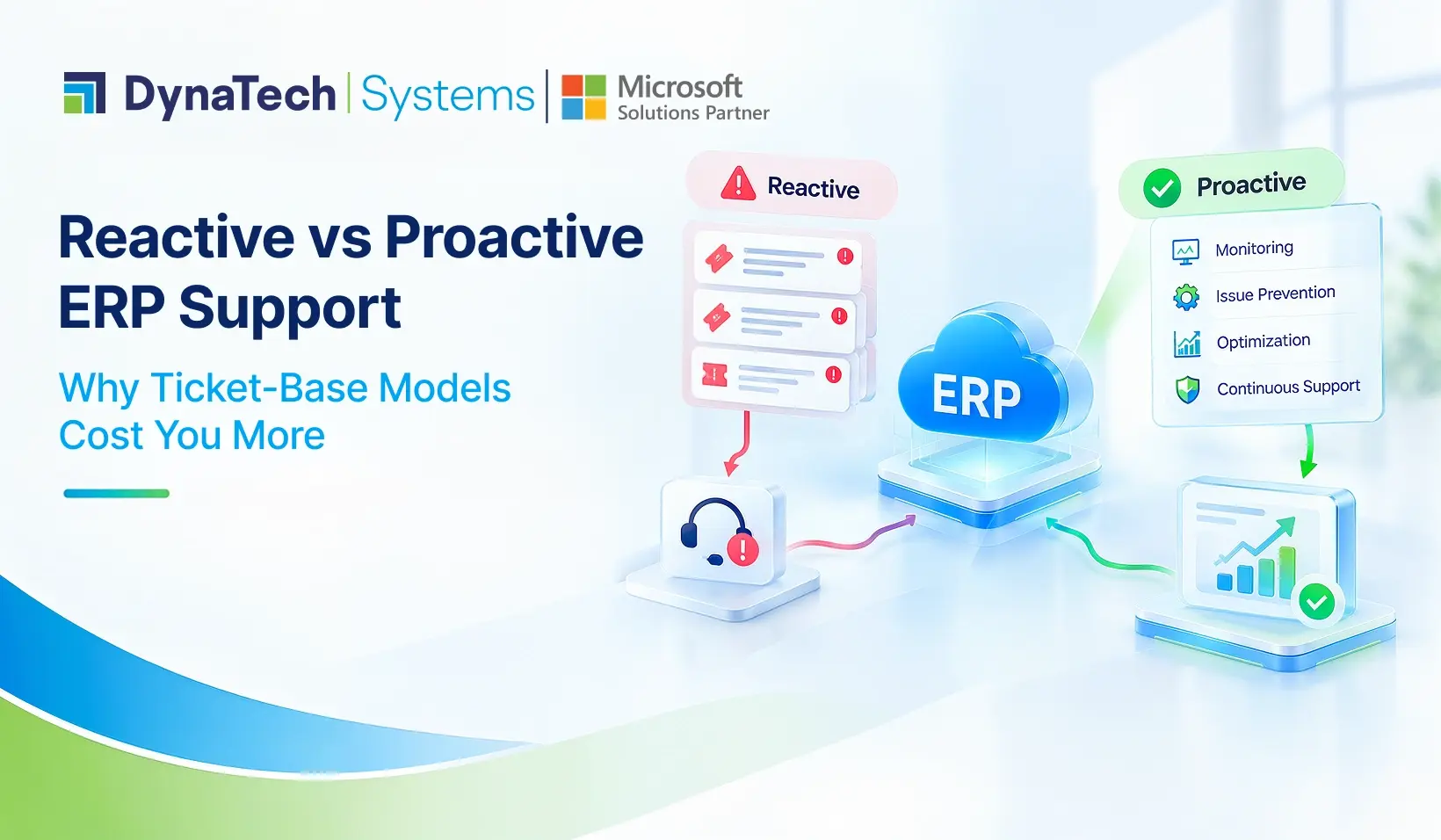
Reactive vs Proactive ERP Support at a Glance
|
Aspect |
Reactive Support |
Proactive ERP Support |
|
Starting point |
Begins after a user reports an issue |
Begins with continuous system monitoring |
|
Detection |
Problem is found by the user |
Problem is found by the support team, often before impact |
|
Focus |
Restoring normal operations after disruption |
Preventing disruption before it happens |
|
Recurring issues |
Same symptom fixed repeatedly, root cause often untouched |
Patterns analyzed to address root cause |
|
Batch jobs |
Failures noticed only when downstream data looks wrong |
Job execution and duration tracked as routine |
|
Integrations |
Failures discovered after they've already spread |
Failures flagged early, before they affect other processes |
|
Security and access |
Reviewed only after an incident is suspected |
Unusual activity flagged as it happens |
|
Cost visibility |
Cost shows up as an invoice line for the fix |
Cost shows up as time, downtime, and workarounds avoided |
|
Support model fit |
Works for isolated, one-off incidents |
Works for business-critical, always-on ERP environments |
A Quick Check: Is Your Support Model Reactive or Proactive?
When managed services are structured correctly, they can turn ERP into a growth tool rather than simply a system to keep operational.
Moving away from a purely ticket-based model doesn't mean ripping out your existing support structure. Most organizations don't need to choose one model over the other entirely; they need reactive support to still be there for genuine emergencies, while proactive monitoring runs quietly in the background, catching everything that would otherwise turn into one.
In practice, that shift usually starts with a few questions worth asking about your current setup:
- Is anyone reviewing system performance trends on a regular basis, or only after a complaint comes in?
- Do integration failures get logged and analyzed, or just restarted and forgotten?
- Are recurring incidents tracked as patterns, or handled as one-off tickets every time?
- Is there any visibility into batch job health outside of when something visibly fails?
If the honest answer to most of these is "not really," that's usually a sign the current support model is built entirely around response, with little to no capacity for prevention. That's not necessarily a failure of the support team; it's often just how ticket-based contracts are structured from the start. Proactive support has to be built in deliberately; it rarely happens as a byproduct of a reactive setup.
For a Dynamics 365 Finance and Operations environment carrying finance, supply chain, and sales workloads, that difference in structure ends up mattering more than most organizations expect until they've felt the cost of not having it.

If you've had a batch job fail more than once for the same reason, that's usually a sign your support model needs a second look.
The Real Cost Difference
Reactive support looks cheaper because it only bills for what visibly breaks. But the real cost is everything that happens before the ticket: the report that took eight seconds instead of three, the workaround someone built because a batch job kept failing, the integration gap nobody flagged until inventory numbers stopped matching. None of that shows up on an invoice. It shows up in lost hours, missed orders, and decisions made on bad data.
Proactive support doesn't eliminate every issue. Systems still fail, jobs still error out, integrations still break. What changes is when it gets caught, and how much of the business feels it before someone does something about it.
For organizations running Dynamics 365, the real question isn't whether support exists. It's whether that support is built to prevent disruption, or just built to respond to it once it's already cost something.
At DynaTech Systems, as a trusted Microsoft Solutions Partner, we build support around that model. Less time spent waiting for something to break, more time spent making sure it doesn't. If you're not sure whether your current Dynamics 365 support is working reactively or proactively, it's worth a closer look.

